化学
概述
以下是与化学相关的列小插件列表。
化学结构
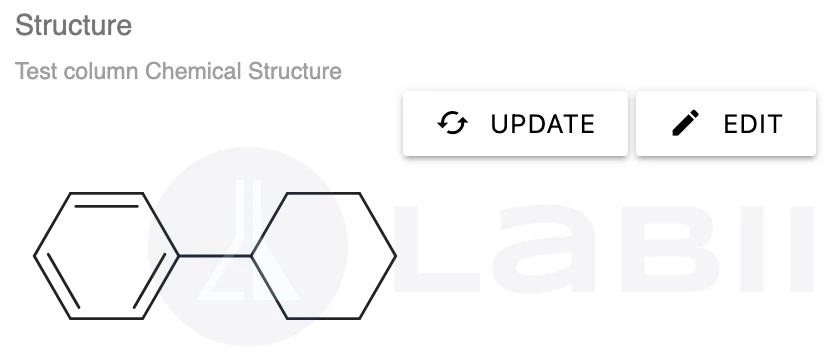
使用此小插件从化学绘图章节显示化学结构。该小插件无法创建或绘制化学结构,只能显示来自化学绘图章节的化学结构。
只读视图:
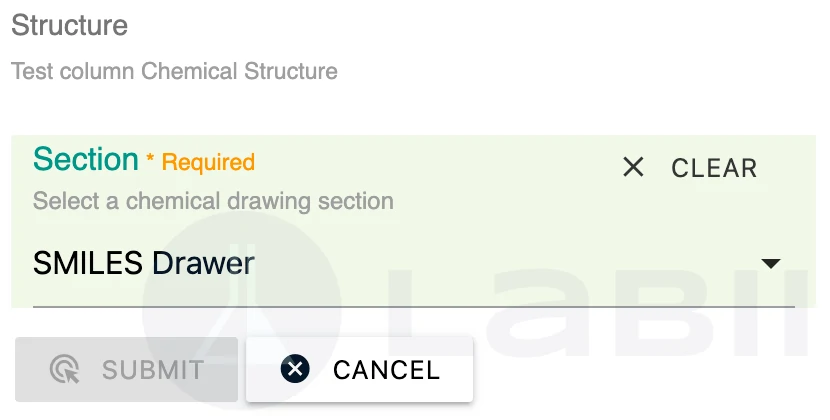
编辑视图:
表单视图:
不支持
配置
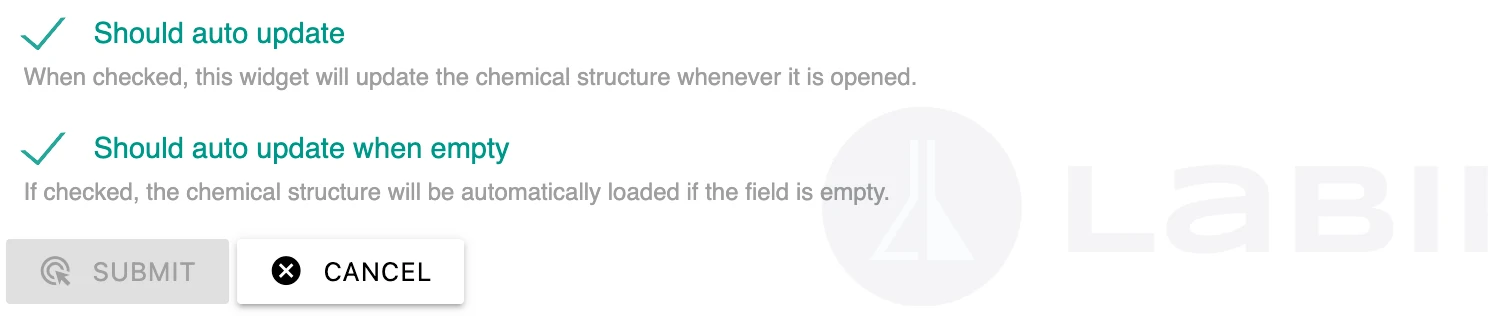
{
    "should_auto_update": false, # (optional), default to false.
    # If true, the widget will perform live calculation
    # If false, the user have to click reload to update the value
    "should_auto_update_when_empty": true, # (optional), default to true.
    # If true, the widget will perform live calculation when the data is empty
    # If false, the results will not be calculated on default
}
导入值:
不支持
SMILES结构
此小插件使用Smiles Drawer从SMILES绘制化学结构。
只读视图:
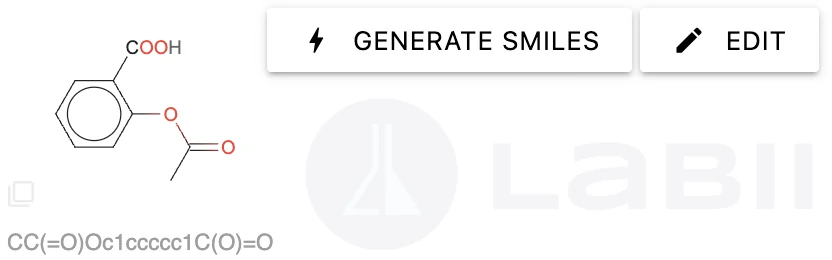
点击“生成SMILES”按钮,根据化学名称生成分子量。
编辑视图:
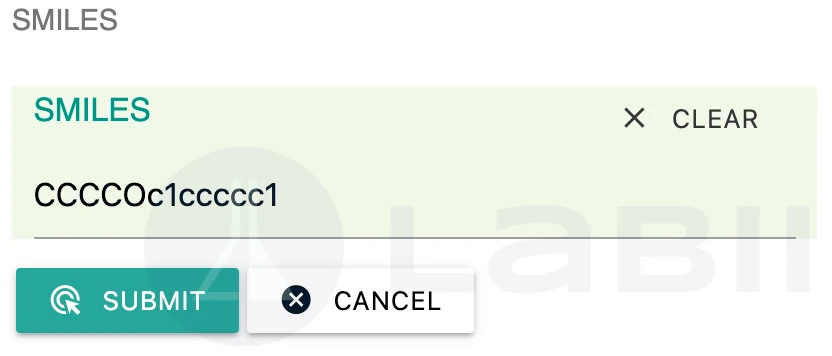
表单视图:
与编辑视图相同。
配置:
不支持
导入值:
SMILES字符串。
分子式
此小插件可以:
- 从名称生成分子式
- 生成分子量
- 生成SMILES(简化分子输入线性输入系统)
- 生成分子结构
使用此小插件之前,需要先创建以下列。默认情况下,这些列会在化学表中自动创建。
- molecular_weight
- SMILES
- molecular_structure
此小插件使用了chemcalc的一些功能。
ChemCalc:未来化学基础设施的构建模块。Patiny, Luc; Borel, Alain 《化学信息与建模杂志》2013年。DOI:10.1021/ci300563h
点击 生成公式 按钮,可以直接从名称获取分子式。您也可以点击 编辑 按钮手动输入分子式。
编辑视图:
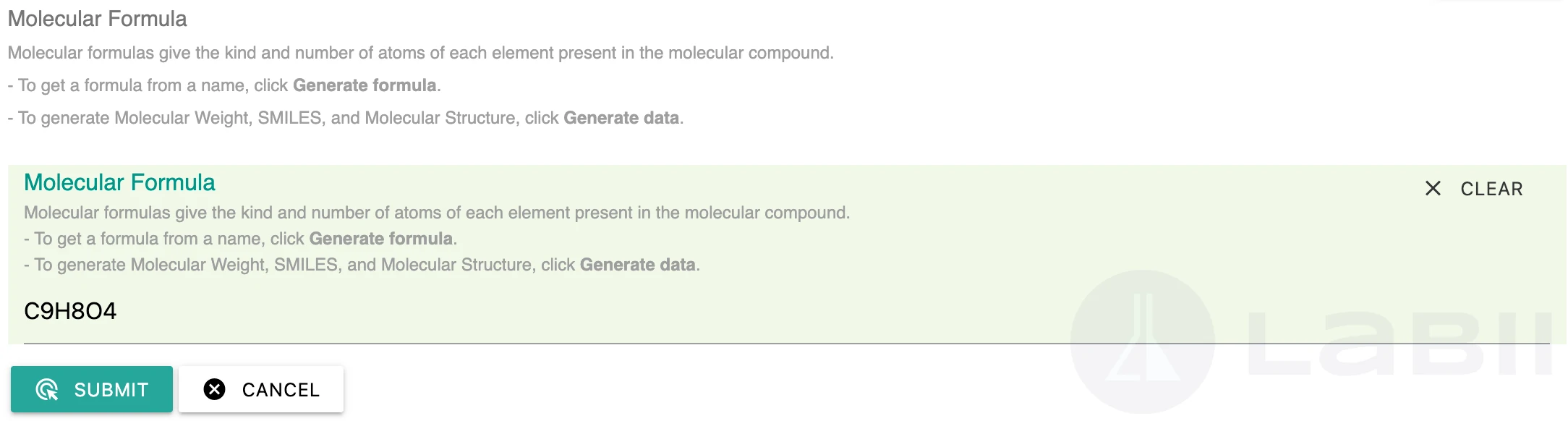
只读视图:
点击 生成数据 按钮生成分子量、SMILES和分子结构。
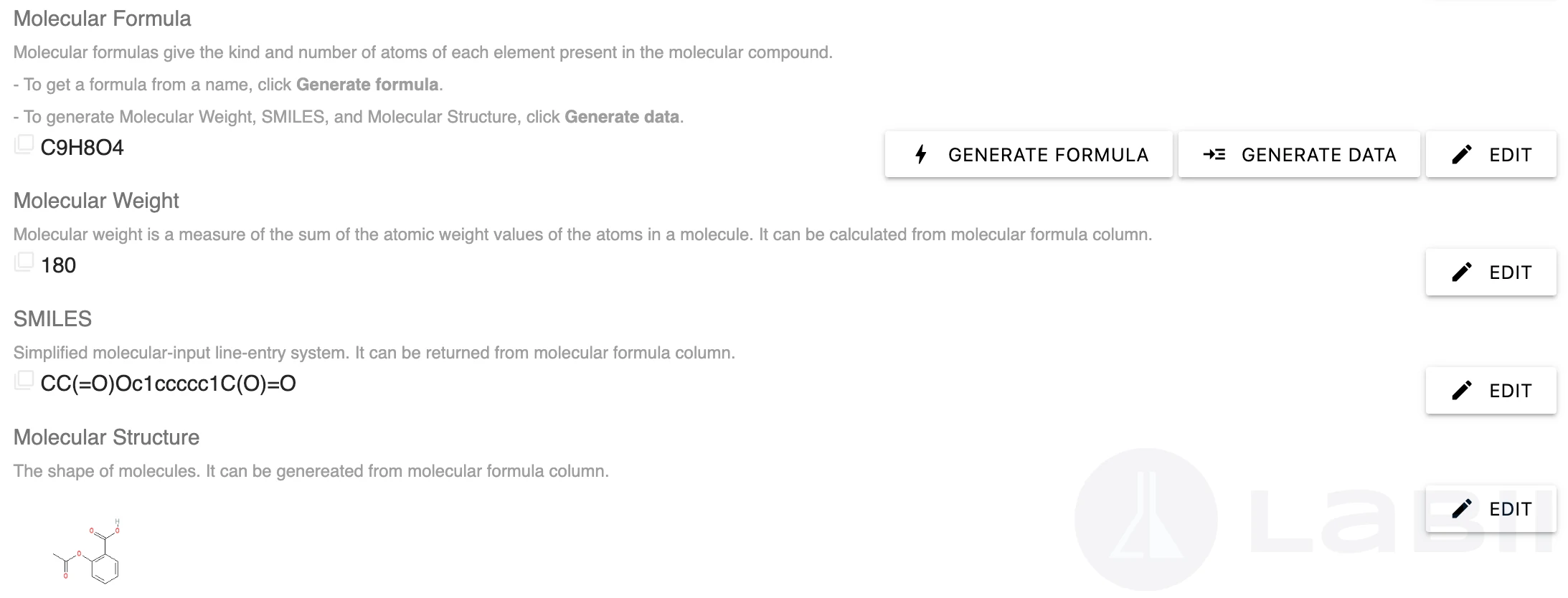
表单视图:
与编辑视图相同
配置:
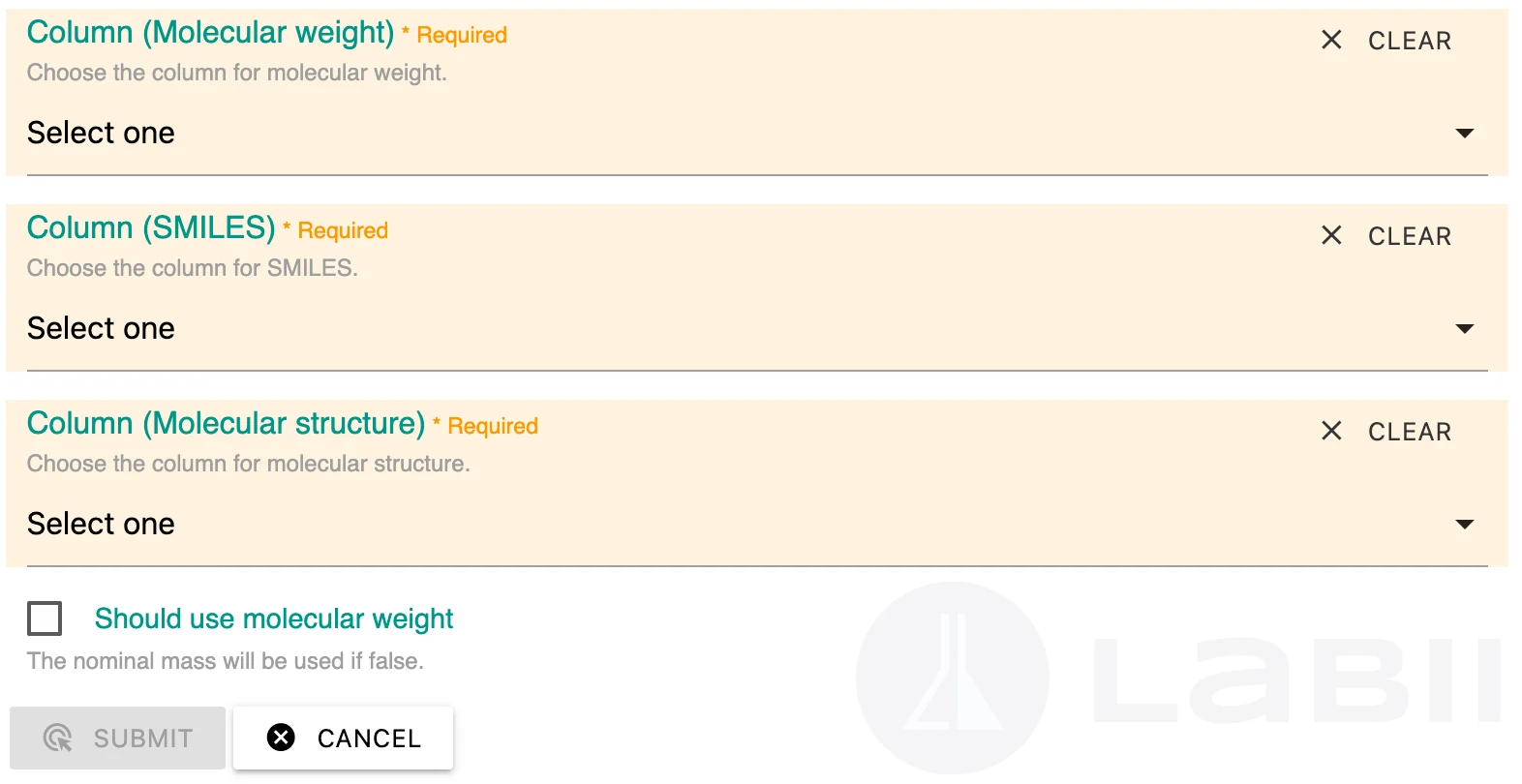
{
    "should_use_mw": false, # optional, if false, nominal mass will be used.
    "molecular_weight": {"sid":"xxx", "name":"xxx"},
    "SMILES": {"sid":"xxx", "name":"xxx"},
    "molecular_structure": {"sid":"xxx", "name":"xxx"}
}
导入值:
公式字符串。