Global search
Overview
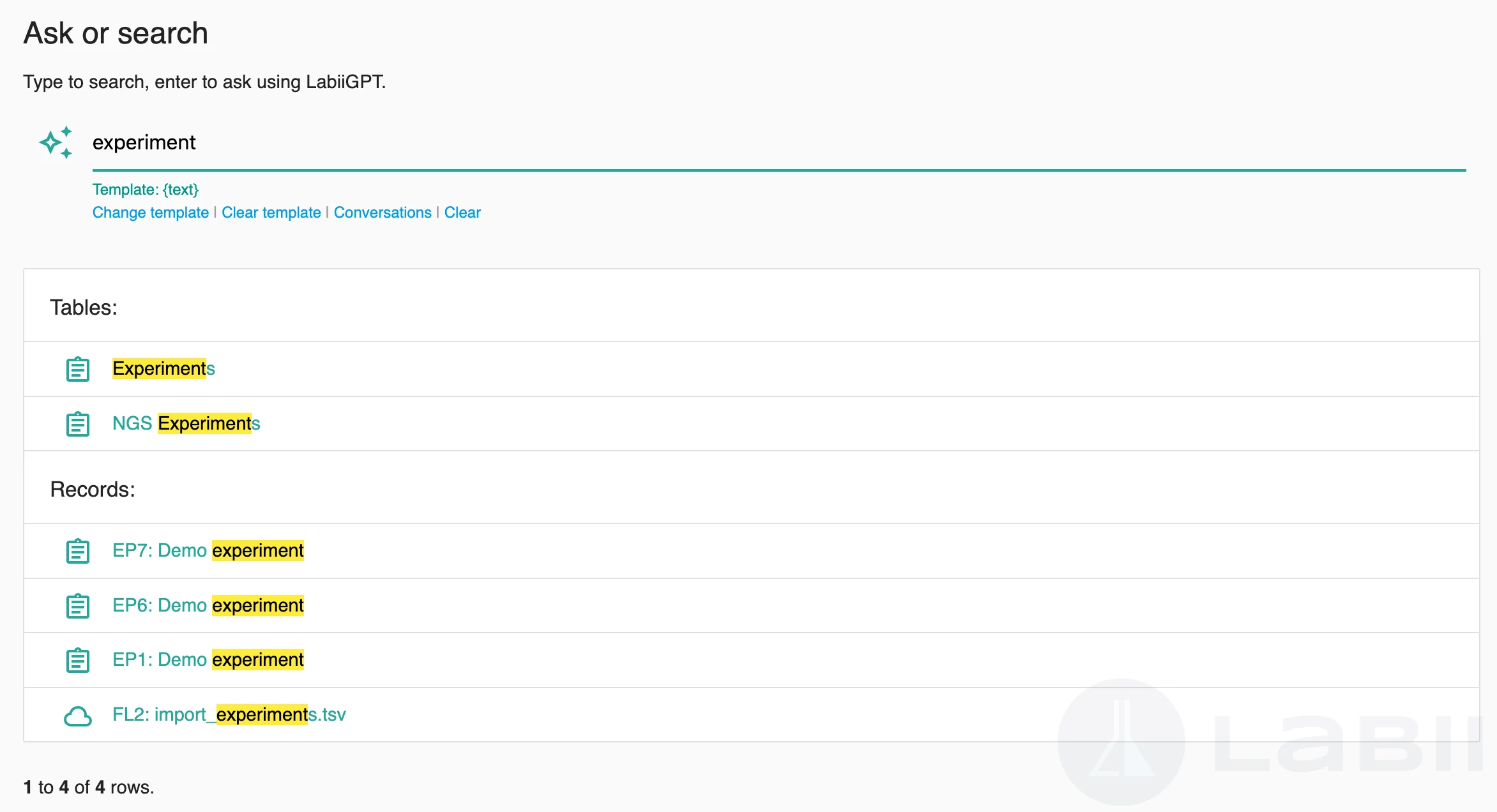
Global Search helps you find information across the entire workspace from one place. Instead of opening each table or project separately, you can enter a keyword once and review matching results in grouped categories.
Search results are grouped into:
- Tables
- Projects
- Records
Any category without matches is hidden automatically.
How to use
Click Search from the navbar.
Enter one or more keywords in the search panel.
Review results shown automatically under Tables, Projects, and Records.
info
Use specific terms such as sample IDs, project names, or unique record text to narrow results faster.