Activities
An audit trail is a security-relevant chronological record, set of records, and/or destination and source of records that provide documentary evidence of the sequence of activities that have affected at any time a specific operation, procedure, or event.
The content display is similar to the Activity widget. You can use the Activity widget to insert the activity information in your detail view.
Activity list
This page shows a list of activities related to the record. Each activity shows what been changed, user, and date stamp.
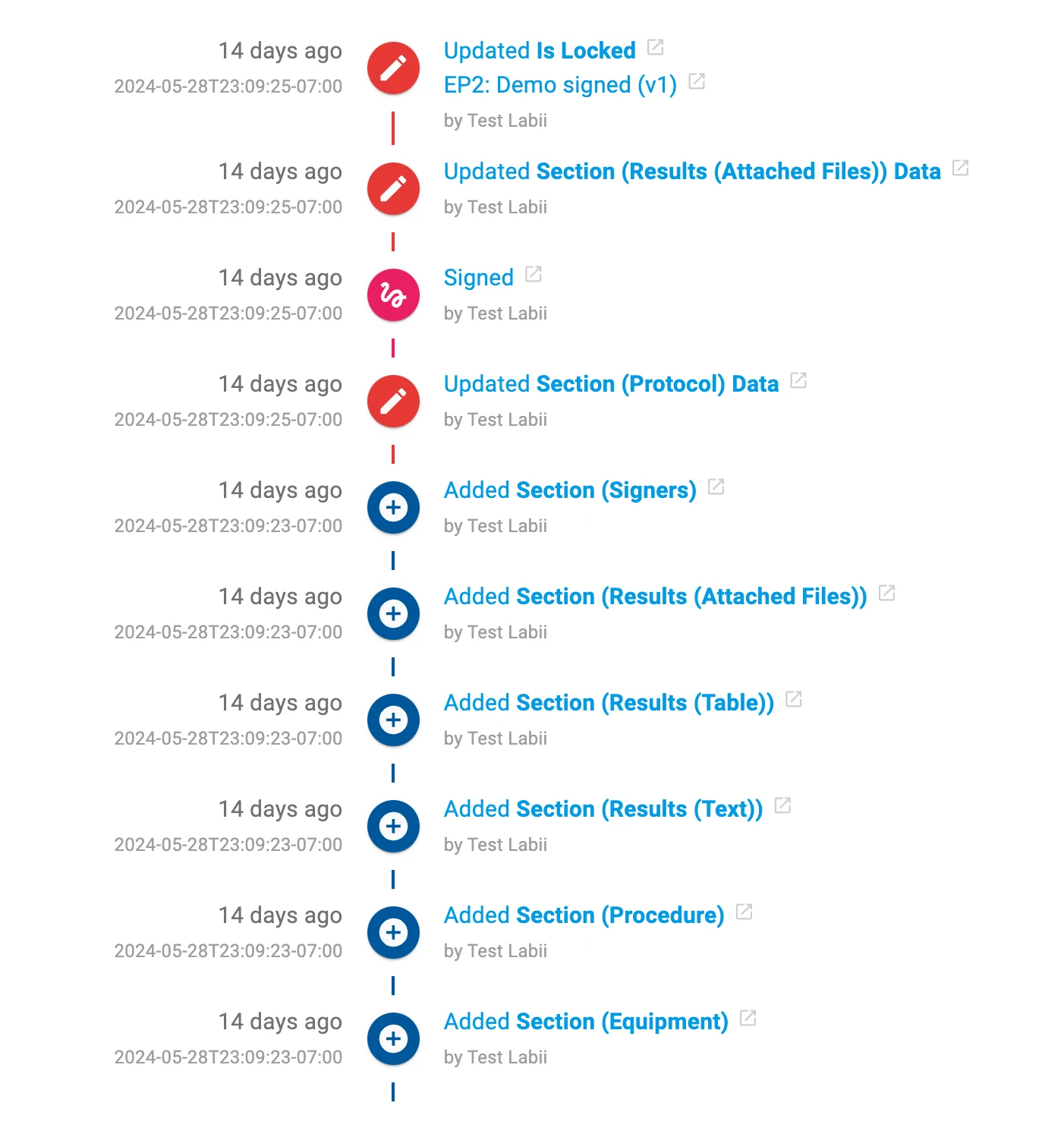
On default, 10 most recent activities are loaded in the detail view, click the "Load More" button to load more activities.
Search activities
You can search signers by typing a keyword into the search bar in the activity list view, and then clicking Search. The search results can always be cleared by clicking the Clear button.
Filter activities
With the Filter function, you can limit the number of signers displayed. You can do that by clicking All activity and then selecting a filter from the dropdown. Here are a list of filters:
- All activities. Filter to display all activities.
- My versions. Filter to display the activities created by you.