Feedback
Specs
| Label | Value |
|---|---|
| Version | 0.1.0 (updated on 2022-08-31) |
| Developer | Labii Inc. |
| Type | Dashboard |
| Support Configuration | No |
Overview
The Feedback dashboard widget gives users a convenient way to share feedback, report issues, and contact Labii support. It supports continuous product improvement by making the feedback channel visible from the dashboard. This widget is useful on personal dashboards, training dashboards, and shared organization dashboards where users may need quick access to support.
Use Cases
- Bug reporting: Help users report issues they encounter while using Labii.
- Product feedback: Collect suggestions that can improve the Labii experience.
- Support access: Provide a visible path to contact Labii support.
- Adoption support: Make it easier for new users to ask for help.
Configuration
The Feedback widget does not require configuration. Add it to a dashboard to display the feedback and support option.
Initial Setup
Navigate to the dashboard where users should be able to submit feedback.
Click Add Widget and select Feedback from the dashboard widget catalog.
Save the widget to place it on the dashboard.
Required Settings
- None: The widget displays Labii-provided feedback content.
Optional Settings
- None: The widget is ready to use after it is added to a dashboard.
Readonly View
Display Features
- Feedback prompt: Encourages users to share issues, suggestions, and questions.
- Support contact: Directs users toward Labii support resources.
- Dashboard visibility: Keeps help options close to everyday workflows.
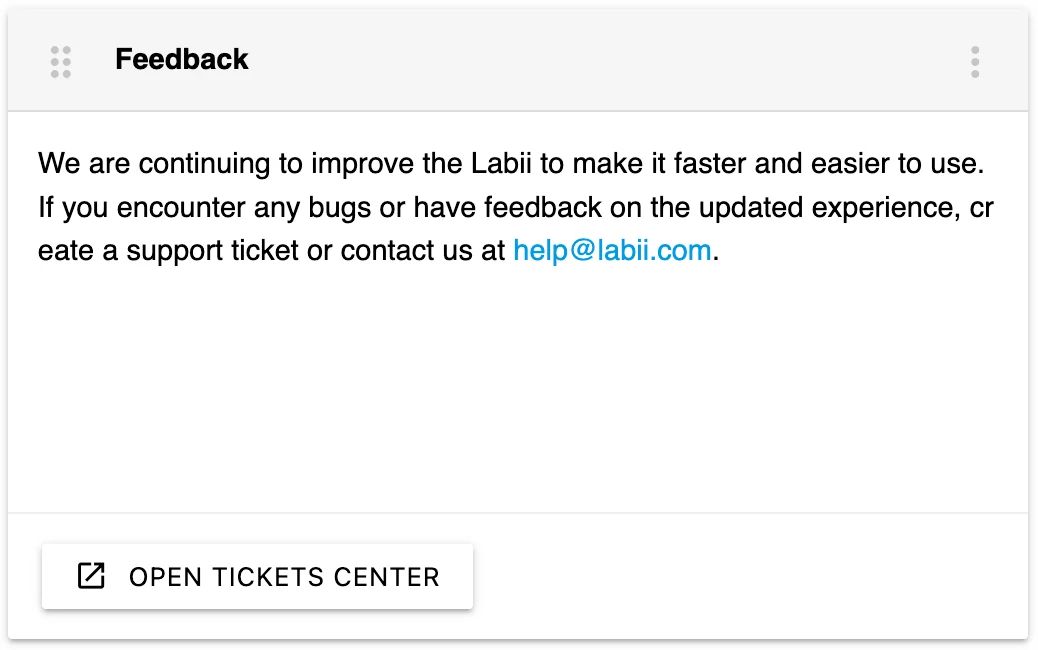
The Feedback widget gives users a dashboard entry point for support and product feedback.
Interactive Features
- Submit feedback: Users can follow the widget action to create a support ticket or contact Labii.
- Contact support: Users can contact Labii at help@labii.com.
Best Practices
- Place this widget on dashboards used by new users, administrators, and pilot teams.
- Pair it with Latest Announcements so users can review updates and submit feedback from the same dashboard.
- Keep the widget visible during onboarding or rollout periods when users are likely to have questions.